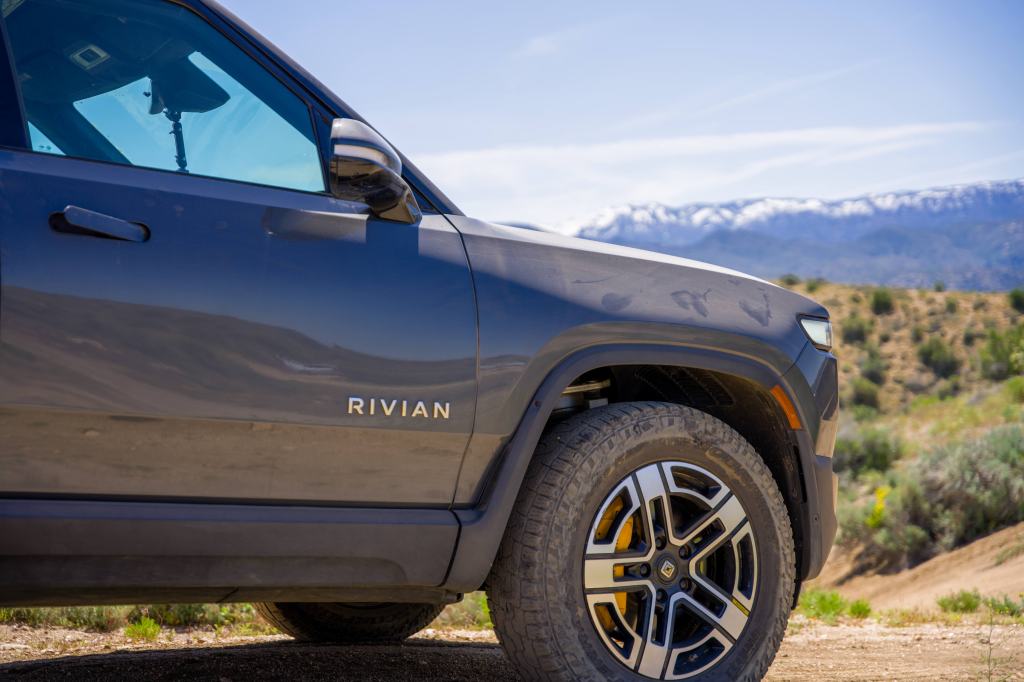
Rivian’s Gear Guard feature has been greatly upgraded now to include a new Drive Cam feature which acts like a personal dash camera. It can support a wide variety of storage devices but with so many to choose from, which should you buy?
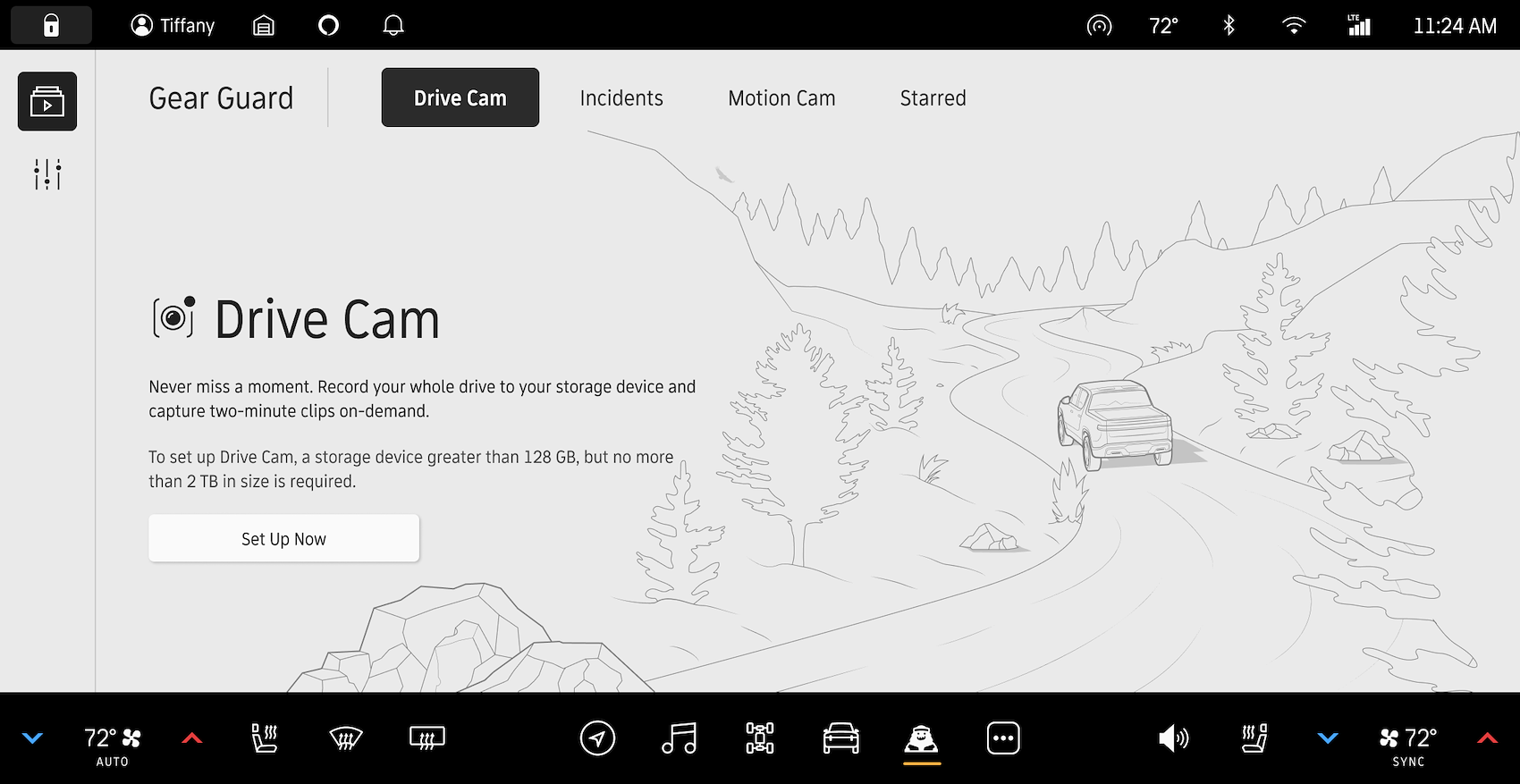
In the latest software update, Rivian’s Gear Guard App introduces two new features, “Drive Cam” and “Incidents,” to enhance security measures for EV owners. These additions join the existing “Motion Cam” and “Alarm Function” capabilities. The Drive Cam feature enables users to record and save driving footage onto a USB-C storage device, perfect for capturing memorable drives and off-road adventures. Meanwhile, the “Incidents” function automatically records footage in case of collisions or other mishaps, ensuring all crucial moments are documented. For more information on the Drive Cam feature and how to set it up, head on over to the official Rivian Stories page here to read up on the feature and how it works in detail.
Key Features to Keep in Mind and Some Tips
We came to commended setup based upon the following important features.
SSD’s over Flash Drives: To put it plainly, most SSDs will use flash memory, but not all flash memory devices are considered SSDs. Furthermore an SSD is a storage device while flash memory is a storage medium. Many devices can use flash memory, but not all devices with flash storage are considered SSDs. When dealing with large data files such a video, an SSD is a better choice. So do yourself a favor and buy a dedicated Solid Disk Drive (SSD) over a USB stick (flash drive).
Shock and Drop Resistance: In the unfortunate event that you are involved in a collision while recording or you do some stream off roading, you want to make sure that the hard drive is able to preform under the high acceleration loads you could experience.
Temperature Rating: You vehicle cabin can get extremely hot and cold depending on the environment you. Make sure the SSD can withstand these temperatures as most of them are not designed for extreme environments.
IP Rating: If you’re taking your Rivian out for an adventure off roading, some SSD’s will offer better resistance in terms of a higher IP rating. Moisture and dust can find it way into the cabin and yes even your center console. Look for IP 65
Storage Size: Out testing shows that around 1 TB of data storage will be more than plenty to record some awesome B-roll of your adventures. However the minimum we recommend is 256 GB.
Read/Write Speed: Cheaper SSDs and flash drives will not have be able to write data quickly and may not work. We recommend a minimum read and write speed of 1,000 MB/s. Remember it is recording the data from 5 cameras as once.
Connection Adapter: Since the USB Type C port is on an upward angle, you don’t want to have a long cable dangling or getting in the way of your center console storage area. Even worse you don’t want to accident break or snap the cable into the port. We recommend buying a rigid 90 degree adapter.
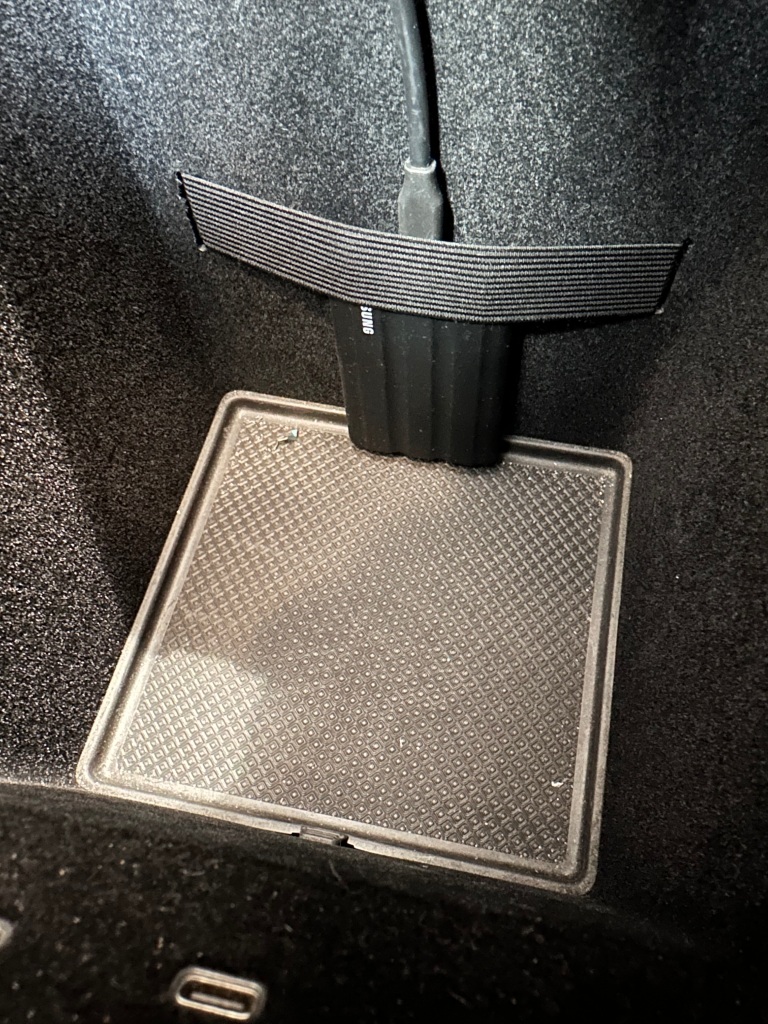
Secure It in Place: The center console has a strap which can be used to hold the SSD in place. We may also recommend using a double sided velcro to stick onto the inside of the storage area.
Our Recommended Setup
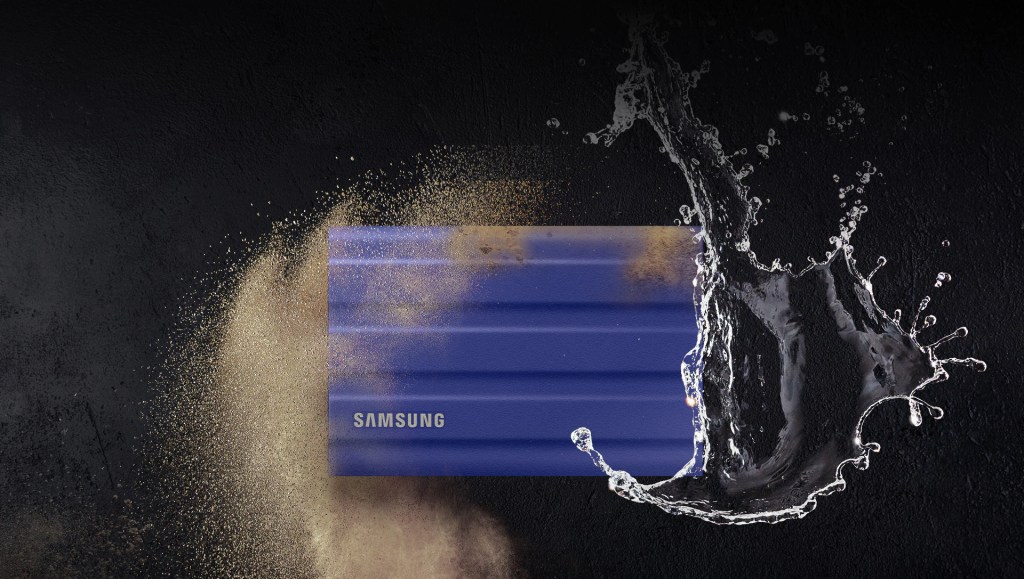
Samsung T7 Shield SSD. Full specs here
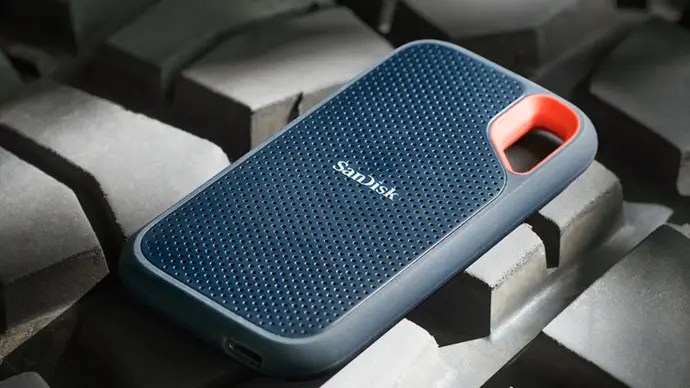
SanDisk Extreme Portable SSD. Full specs here
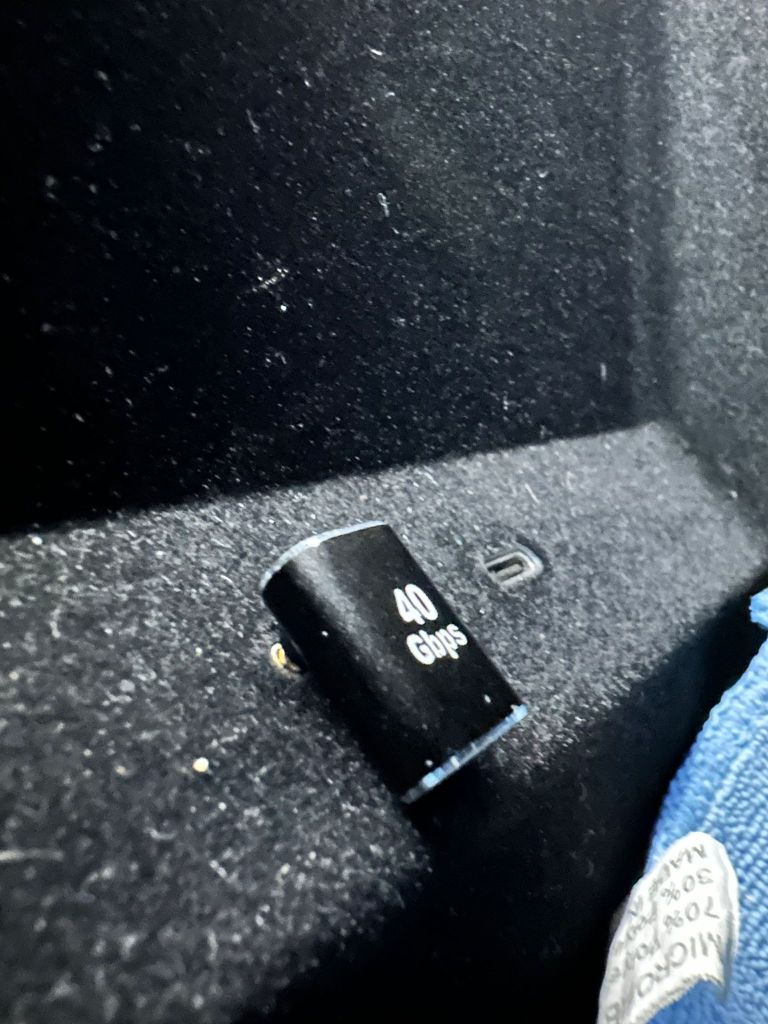
90 Degree USB Type C Adapter

 Garage Klub